Skip to content
JikGuard
Log in
<image height="30.8" href="{% static 'assets/v2/img/brand-mark.png' %}" width="26" x="519.0" y="292.6"></image><image height="14.2" href="{% static 'assets/v2/img/brand-mark.png' %}" width="12" x="606" y="340"></image>

Build-time game protection

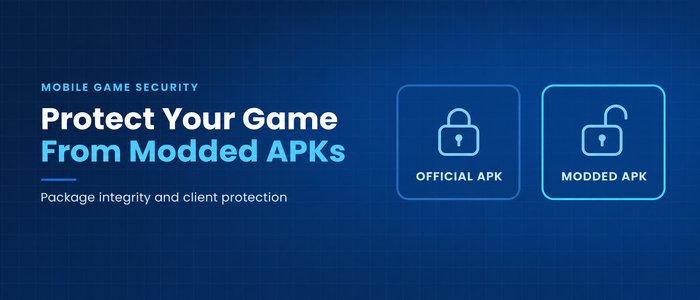
Protect Android game clients before release.


For Unity, Cocos, and Unreal Engine Android games—without handing over your signing keys.

Supports APK / AAB


More control. Less change to your existing workflow.

Keep your signing assets in your environment

Your keystore, private key, and signing password stay with your team throughout the release process.

Use the same protection flow for APK and AAB

Your team does not need separate protection workflows for the two Android package formats.

Use the desktop environment your team already has

The Protection Tool supports Windows, Linux, and macOS host environments.

Keep your existing release process

Start from the Android build your team already produces, then continue with signing and release in your own workflow.

Protection for the Android build you release and the client your players run.

Game Code & Asset Protection

Protect code, native components, metadata, and packaged resources before the Android build reaches players.

<filter height="150%" id="gsh" width="140%" x="-20%" y="-20%"><fedropshadow dx="0" dy="10" flood-color="#0C2340" flood-opacity=".10" stdDeviation="12"></fedropshadow><fedropshadow dx="0" dy="1" flood-color="#0C2340" flood-opacity=".06" stdDeviation="1.2"></fedropshadow></filter><filter height="200%" id="gsh2" width="160%" x="-30%" y="-40%"><fedropshadow dx="0" dy="4" flood-color="#0C2340" flood-opacity=".10" stdDeviation="6"></fedropshadow></filter>APK / AAB<image height="16.6" href="{% static 'assets/v2/img/brand-mark.png' %}" width="14" x="431" y="67.7"></image><filter height="150%" id="gshM" width="140%" x="-20%" y="-20%"><fedropshadow dx="0" dy="10" flood-color="#0C2340" flood-opacity=".10" stdDeviation="12"></fedropshadow><fedropshadow dx="0" dy="1" flood-color="#0C2340" flood-opacity=".06" stdDeviation="1.2"></fedropshadow></filter><filter height="200%" id="gsh2M" width="160%" x="-30%" y="-40%"><fedropshadow dx="0" dy="4" flood-color="#0C2340" flood-opacity=".10" stdDeviation="6"></fedropshadow></filter>APK / AAB<image height="16.6" href="{% static 'assets/v2/img/brand-mark.png' %}" width="14" x="431" y="67.7"></image>
View Game Code & Asset Protection →

Anti-Cheat & Anti-Hack

Raise the cost of common client-side tampering and manipulation after the game is running.

<filter height="150%" id="ash" width="140%" x="-20%" y="-20%"><fedropshadow dx="0" dy="10" flood-color="#0C2340" flood-opacity=".10" stdDeviation="12"></fedropshadow><fedropshadow dx="0" dy="1" flood-color="#0C2340" flood-opacity=".06" stdDeviation="1.2"></fedropshadow></filter><filter height="200%" id="ash2" width="160%" x="-30%" y="-40%"><fedropshadow dx="0" dy="4" flood-color="#0C2340" flood-opacity=".10" stdDeviation="6"></fedropshadow></filter><image height="16.6" href="{% static 'assets/v2/img/brand-mark.png' %}" width="14" x="303.0" y="216.7"></image>
View Anti-Cheat & Anti-Hack →

Add protection to the release workflow your team already uses.

Game companies we’ve worked with

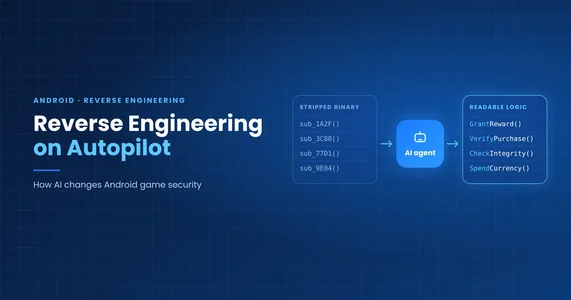
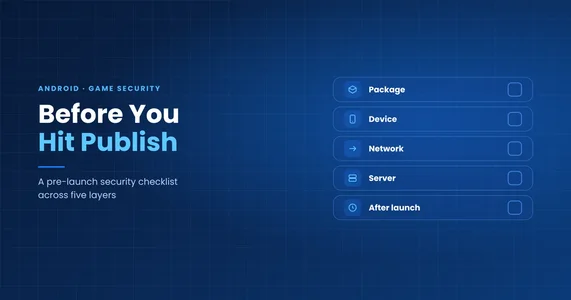
Selected Android game client security articles

View all Blog posts →

When you’re ready to go further.

Contact JikGuard

For more information, contact JikGuard support.

[email protected]