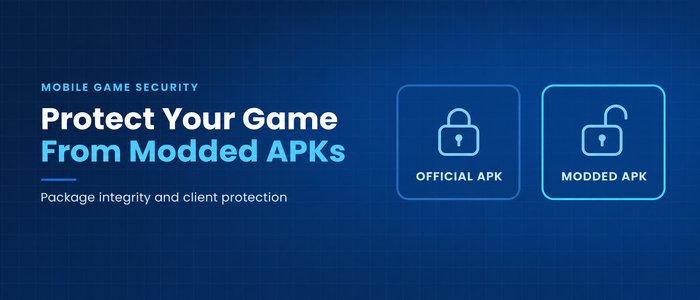
The icon looks familiar. The game opens to the menu you shipped. Then the shop unlocks a paid item for free. From the player's point of view, it can look like the same game with one benefit added. From your team's point of view, someone is distributing a build you never released.
Protecting your game from modded APKs starts with three things. Check that the installed package matches a release you actually shipped. Make the code and assets inside it harder to read or change. Check for signs of tampering while the game runs.
Key takeaways
- Compare the package's signing certificate with the one expected for that release channel.
- Protect the code that controls purchases and rewards, along with the game files it depends on.
- Test protection on the build players actually install, including a normal update from the previous release.
What changes in a modded APK?
A modded APK is a modified copy of a game's install package. Changes can include removing ads, unlocking paid content, or adding a menu that changes game values. A copy with the same name and artwork can still contain different code or assets.
Check the package your players install
A package signature identifies the signer and lets you verify the integrity of the signed contents. A modified APK can carry a valid signature from a different signer. For your game's integrity checks, compare the installed package's certificate against the one expected for that release.
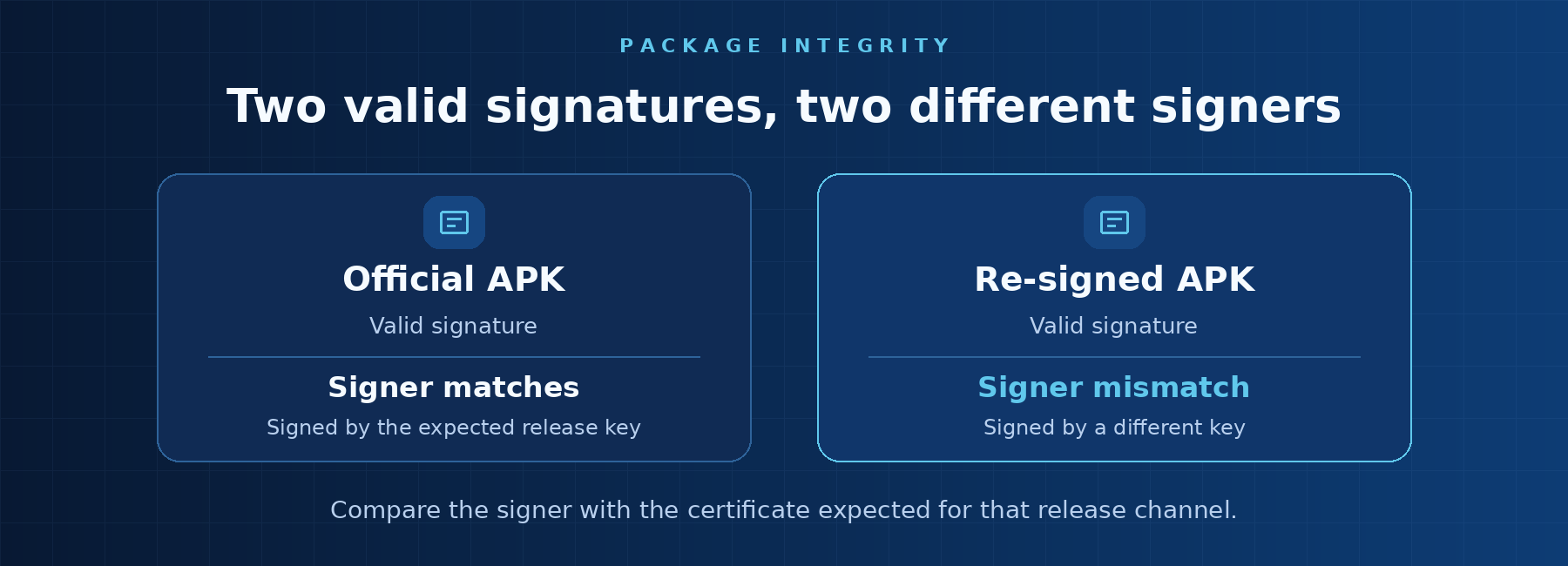
Keep a record of the certificates your distribution channels use. A store that manages app signing may sign the delivered APK with a different key from the one you use to upload the build. Check critical files as well as the signer so you can detect changes to the code or resources your game relies on.
Protect the code and assets worth changing
Start with the parts of the client that affect paid unlocks, rewards, and core game rules. Code obfuscation makes it harder to understand what those parts do. Protecting the packaged assets and data they depend on can also make extraction or unauthorized changes harder.
Package checks and runtime checks catch different changes. A game can start from a genuine package and still run in an environment where its behavior can be altered. Use runtime checks for signs that the process or its code has been tampered with. Test normal devices and supported configurations so legitimate players can keep playing through an update.
Test protection on the release players receive
Install the protected build through its normal distribution channel. Test a clean install, an update from the previous version, and the main client flows, such as launching the game, opening the shop, or loading a level. Include offline play if your game supports it. This gives you a baseline for what a genuine release should do when its protection checks are active.
JikGuard helps protect the code and resources in supported APKs and app bundles. Its client-side protection also addresses common forms of runtime tampering.