
Key takeaways
- Launch security checks are usually split across client, backend and build teams, so gaps fall between them.
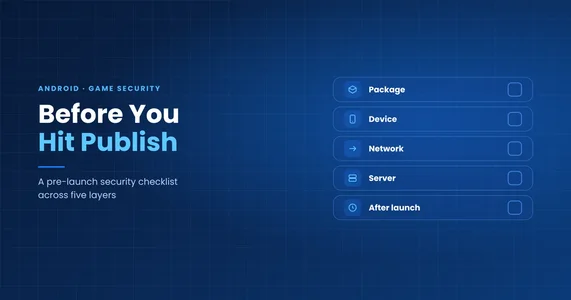
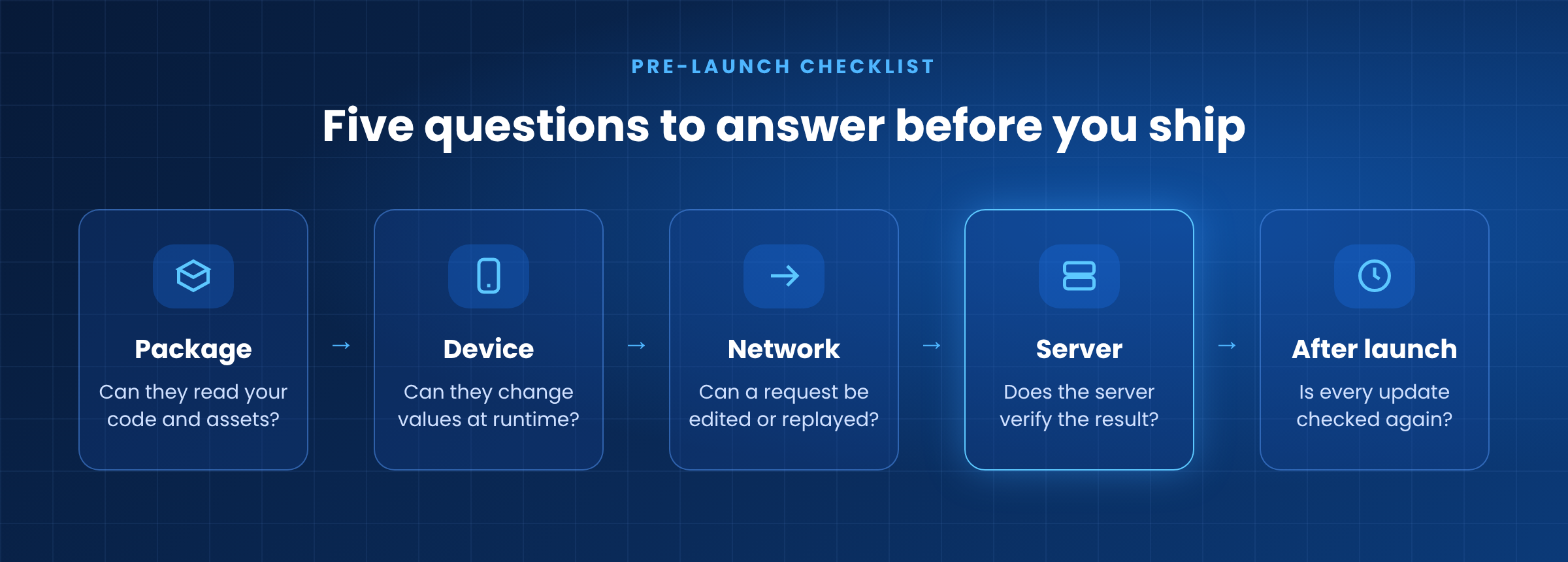
- Review your game by where attacks happen: the package, the device, the network, the server, and after launch.
- Client-side protection raises the cost of tampering. The server should still make the final call on anything valuable.
What should you check before launching an Android game? Check five layers: what attackers can read in your APK, what they can change on the device at runtime, whether network requests can be edited or replayed, whether your server verifies rewards and purchases, and whether every update gets the same review again.
Before launch, features, performance and purchases all go through a clear test plan. Security usually doesn't. Each team checks its own piece, and nobody looks at the whole.
That's how gaps get through. A build can run perfectly and still be easy to reverse engineer. A hot-updated asset bundle can load fine and still ship unprotected. A request can arrive in the right format and still carry a reward the player never earned.
The simplest fix is to review the game the way an attacker sees it: layer by layer.
1. The package: what can attackers read in your APK?
Once your APK is public, anyone can unpack it and take their time.
- Code and strings. Can core gameplay or economy functions be found just by their names? Are API endpoints, keys or debug text left in plain strings?
- IL2CPP metadata. In Unity IL2CPP builds,
global-metadata.datholds the class and method names. Tools like Il2CppDumper read it alongsidelibil2cpp.soto rebuild a readable map of the game, and can also work from a copy dumped from memory. Test what an attacker can recover from the package and from a running game. - Assets and hot updates. Try opening your AssetBundles, config tables and scripts with common unpacking tools. Check that content delivered by hot update is protected as well as the first install.
- Build variants. Every store or regional build should ship with the same security settings, not just the one QA tested.
2. The device: what can attackers change at runtime?
The player controls the phone, so the question is how hard you make tampering.
- Memory values. Can health, currency or speed be found and changed with a memory editor on a rooted test device?
- Debugging, hooking and injection. Does the game notice when a debugger is attached, a hook is placed or a module is injected?
- Repackaging. Can the game tell it has been modified and re-signed? If your build checks its own signature, test it on the version Google Play actually delivers. Play can modify an app after upload, as we covered in Protected Twice, Crashed Once.
- Environment and saves. Decide how your game should respond to rooted devices, emulators and app cloners. Check that local saves can't simply be edited, copied or rolled back.
3. The network: can requests be edited or replayed?
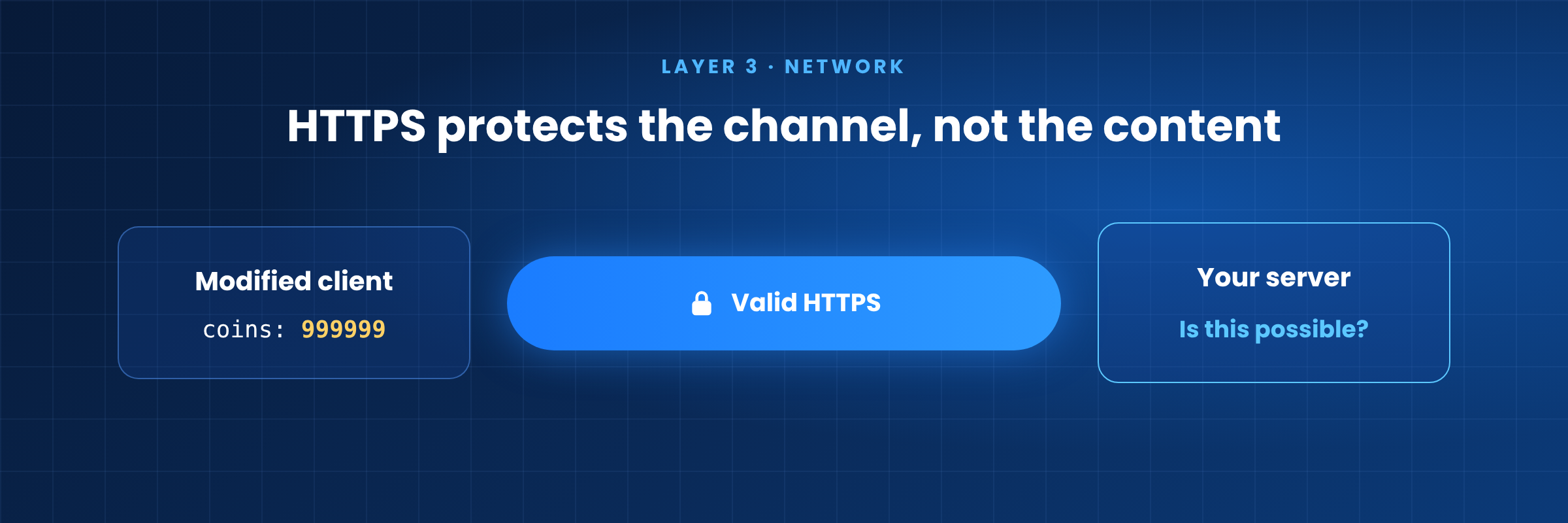
- HTTPS is the baseline, not proof of trust. It keeps traffic private in transit, but a modified client still sends perfectly valid HTTPS.
- Client-supplied values. Don't let the client send prices, reward amounts or item stats that the server simply accepts. Send the action, and let the server work out the result.
- Replay and duplicates. Check whether a reward request can be edited, resent or submitted several times. Nonces, timestamps and server-side duplicate checks are the usual defense.
4. The server: does it verify results and purchases?
Anything on the client can eventually be changed. The server should decide what counts.
- Validate outcomes. Check rewards, currency changes and match results against game state and rules, and flag results that shouldn't be possible.
- Verify purchases. Never trust a "purchase successful" message from the client. Verify the purchase token on your backend with the Google Play Developer API before granting items, and test duplicate orders and replayed tokens.
5. After launch: is every update checked again?
- Watch for warning signs, such as modified clients, cracked packages and impossible player behavior.
- Agree on a response plan before you need one.
- Re-run this checklist before every major update, especially when hot-update flows, store builds or purchase flows change.
Where JikGuard fits in
JikGuard covers the first two layers for Android games built with Unity, Cocos and Unreal Engine. Protection is applied to your APK or AAB at build time and covers supported code, native libraries, engine metadata (including Unity global-metadata files where applicable) and packaged resources such as AssetBundles. At runtime, it helps raise the cost of common tampering, memory modification, hooking and play in high-risk environments. Your signing keys stay with your team.
Layers 3 to 5 stay with your backend and team. Client-side protection should sit alongside server-side validation, not replace it.
FAQ
Is HTTPS enough to protect game traffic?
No. HTTPS protects data in transit, but it can't tell whether the client sending it has been modified. The server still needs to check whether each request and result is valid.
Is encrypting global-metadata.dat enough to protect a Unity IL2CPP game?
Not on its own. Tools can rebuild metadata or work from a copy dumped from memory. Code, native libraries, metadata and assets should be protected together.
Should Android games verify in-app purchases on the server?
Yes. Send the purchase token to your backend and verify it with the Google Play Developer API before granting items. Client-side purchase results can be faked.
When should you run a game security checklist?
Before the first launch and again before every major update, because new builds, hot updates and purchase flows can reopen old gaps.
Summary
Most launch-day security gaps aren't exotic. They're checks that fell between teams. Walking through these five layers before each release closes the obvious gaps before players, or cheat sellers, find them first.
To see what JikGuard covers, explore Game code & asset protection and Anti-cheat & anti-hack, or start with the Docs.